


Air Max 2Air and top-end enhancer · 16 air modes
The only air suite you'll ever needto shine and polish your mix.
Dull vocals, tired drums and flat masters open up in seconds, level-matched so you hear the polish, not just more volume.
- Use it on 5 computers per copy
- Lifetime updates
- 90-day money-back guarantee
- Download link in minutes
- VST3, AU and AAX, Windows and macOS
- Try it free
Formats and DAWs
Windows 10 and 11 (64-bit): VST3 and AAX
macOS 11 or later: VST3, AU and AAX
Works in any 64-bit DAW that loads VST3, AU or AAX plug-ins.
Licence
Use it on up to five of your own computers per copy you buy. Yours for good, no subscription. Unlock it with your email and a six-digit code, no dongle and no password. It checks in now and then and works offline in between.
Delivery
Download links by email within about five minutes, and always in your account under Downloads.
Why Air Max 2
A polished top end in seconds
Turn HIGH AIR and pick a mode. Vocals step forward, dull drums open up and masters sound finished.
Brighter, never harsher
TAME holds the esses down as you push, and AUTO GAIN keeps the level matched, so you judge tone, not volume.
Every kind of air, one plugin
Sixteen modes, from a clean studio air band to tube, tape, a bright small room and air on every attack. Stop hunting across plugins for the right shine.
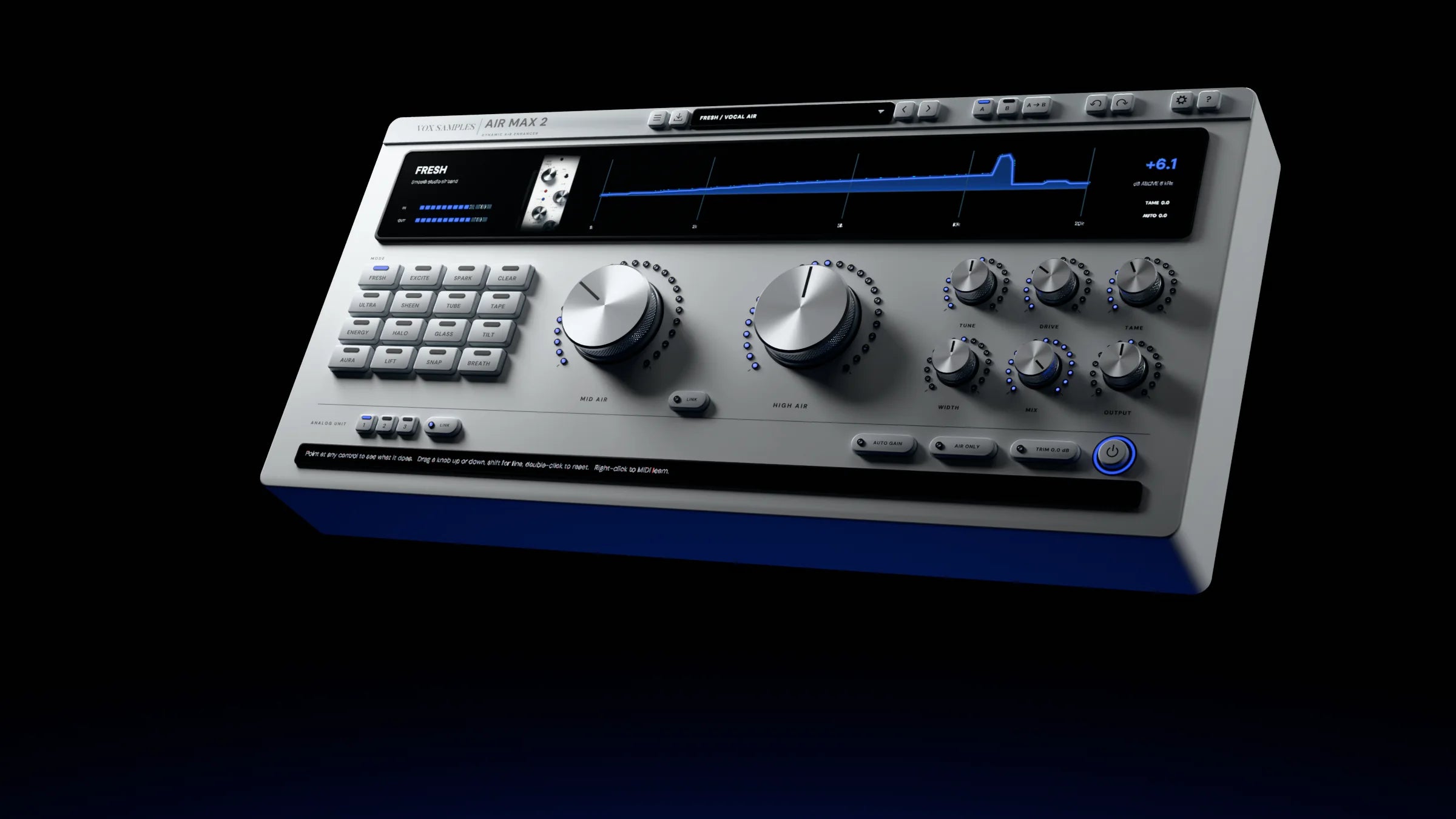
Clean face. Open top.
Two big knobs for the air, one glass display that shows what changed.
- VST3 · AU · AAX
- Windows and macOS
- 5 computers per copy
- 0 ms latency
The air enhancer
- A polished top end in seconds. Pick a mode and turn HIGH AIR: vocals step forward, tired drums open up and masters sound finished.
- Brighter, never harsher. TAME, a smooth de-esser, lets you push the top without the spit.
- Judge tone, not volume. AUTO GAIN matches the loudness, and AIR ONLY plays just what is added.
- Every kind of air, one plugin. Stop hunting across plugins for the right shine.
- 16 air modes: FRESH, EXCITE, SPARK, CLEAR, ULTRA, SHEEN, TUBE, TAPE, ENERGY, HALO, GLASS, TILT, AURA, LIFT, SNAP and BREATH, from a smooth studio air band and a late-70s exciter to tube, tape, a bright small room and air on every attack.
- MID AIR and HIGH AIR: presence and air in two knobs, with LINK to move them together; TUNE and DRIVE to place the air and shape its character.
- TAME de-esser, WIDTH for the stereo width of what is added, MIX, OUTPUT and TRIM.
- AUTO GAIN broadcast-standard loudness matching and AIR ONLY to hear just the air.
- ANALOG UNIT 1, 2 and 3 with LINK: three characters to suit the track.
- A live display: the 1–20 kHz change, how far the top end above 6 kHz moved, in dB, and in/out meters, with an info bar that says what every control does.
- 250 presets for vocals, drum buses, masters and samples; A/B, undo and redo, MIDI Learn.
- Zero latency and click-free mode changes.
All 16 air modes
Each one a different kind of shine, each with its own picture on the display.
-
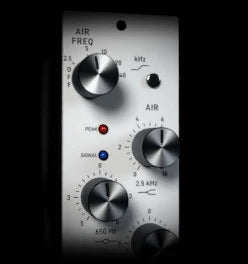
FRESH
Smooth studio air band
A presence lift under a smooth studio air band. The everyday one.
-
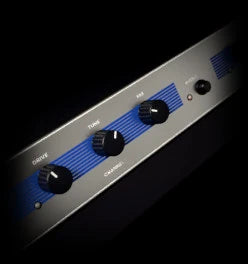
EXCITE
Late-70s harmonic exciter
A harmonic exciter you tune from 8 to 15 kHz and push with DRIVE.
-
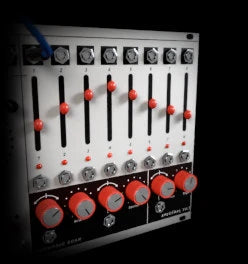
SPARK
Harmonic overtone sparkle
Overtones added above a split you set from 2 to 8 kHz, up to +12 dB.
-
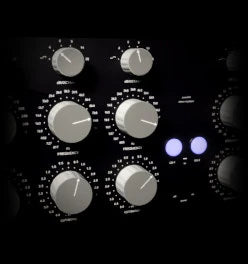
CLEAR
Mastering air, spikes smoothed
A mastering air band, with LIMIT holding the highs’ spikes.
-
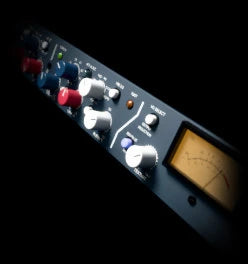
ULTRA
Silky hi-fi hiss and glitter bands
Hiss, glitter and air bands, through a silk stage that adds warmth to the highs.
-
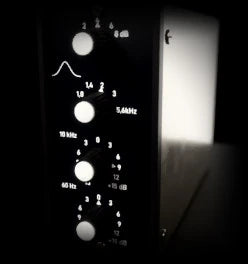
SHEEN
Ultra-high sheen, 22k / 15k / 11k
Sheen from taps near 11, 15 and 22 kHz.
-
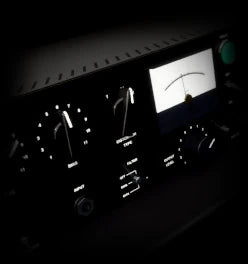
TUBE
Vintage tube exciter
Tube top end above the split, up to +12 dB.
-
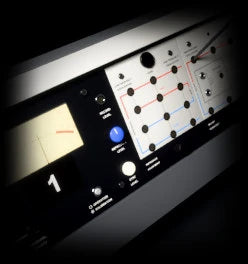
TAPE
70s tape machine top end
Tape-machine top end above the split, up to +12 dB.
-
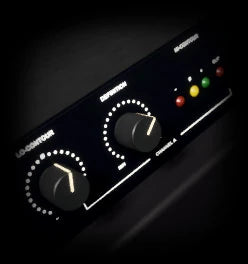
ENERGY
Hi-fi treble energiser
Four fixed treble bands, from rat and fizz up to hiss and glitter, with extra edge on attacks.
-
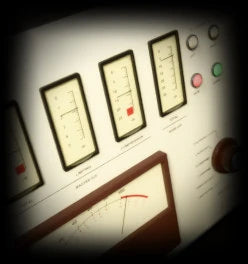
HALO
Extreme air that caps its own bite
Opens a dull source a long way and holds back where the treble is already bright. CEILING sets how firmly.
-
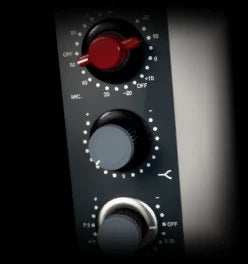
GLASS
Pristine 10k lift, no colour
A clean lift centred around 10 kHz, with no saturation and no colour.
-
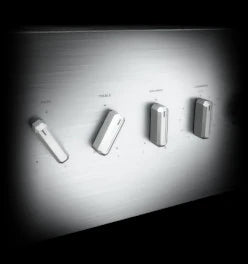
TILT
Broad tone-stack treble tilt
Treble up to +12 dB, with BASS TILT mirroring it as a cut in the bass.
-
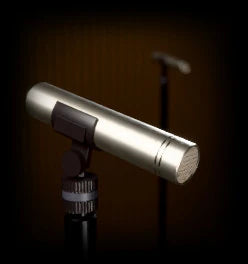
AURA
Bright near-field sparkle and space
The top end of a small, bright room, tied close to the sound. Seventeen spaces to choose from.
-
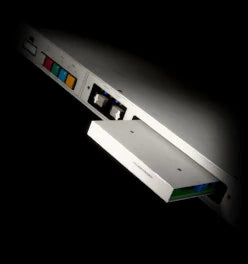
LIFT
Compander lift for quiet detail
Lifts quiet high detail more than loud, up to +12 dB.
-
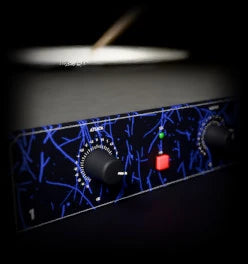
SNAP
Air that flares on every attack
A flash of air on every hit, up to +18 dB, the sustain left as it was.
-
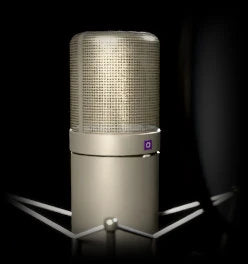
BREATH
Breath and detail from every edge
Brings up the breath and texture in a voice or a bowed string.
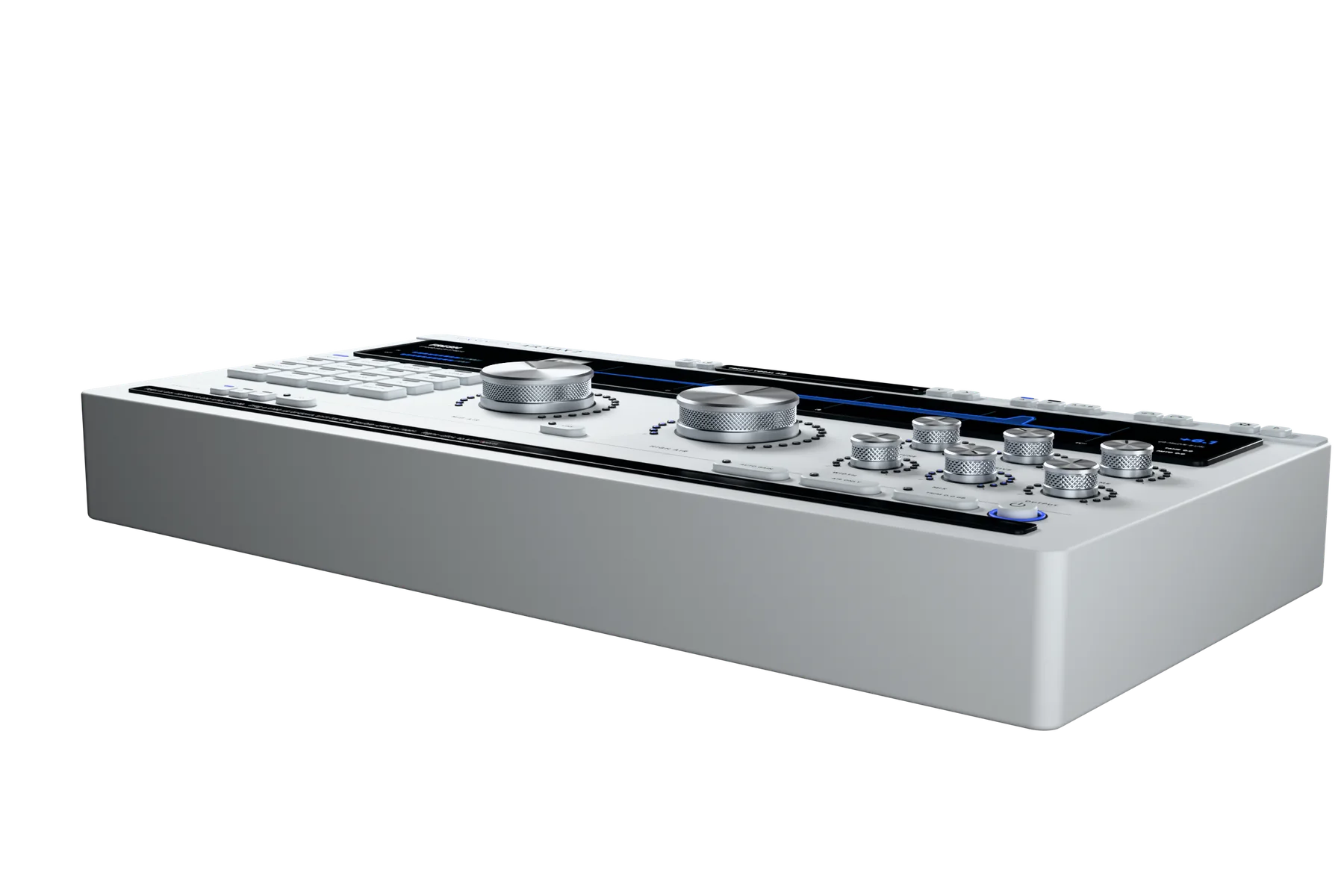
Sixteen modes
One knob of air
HIGH AIR sets how much. The mode sets how it sounds: a clean lift, an exciter, harmonics, tube or tape, a bright small room or a flash of air on every attack.
What Air Max 2 does
Every control has one job: getting you to a finished top end faster.

16 air modes
The right air for every source
A smooth studio air band, a late-70s harmonic exciter, harmonic overtone sparkle, a vintage tube exciter, a 70s tape machine top end, a bright near-field room, air that flares on every attack, and nine more. Every mode has its own presets.
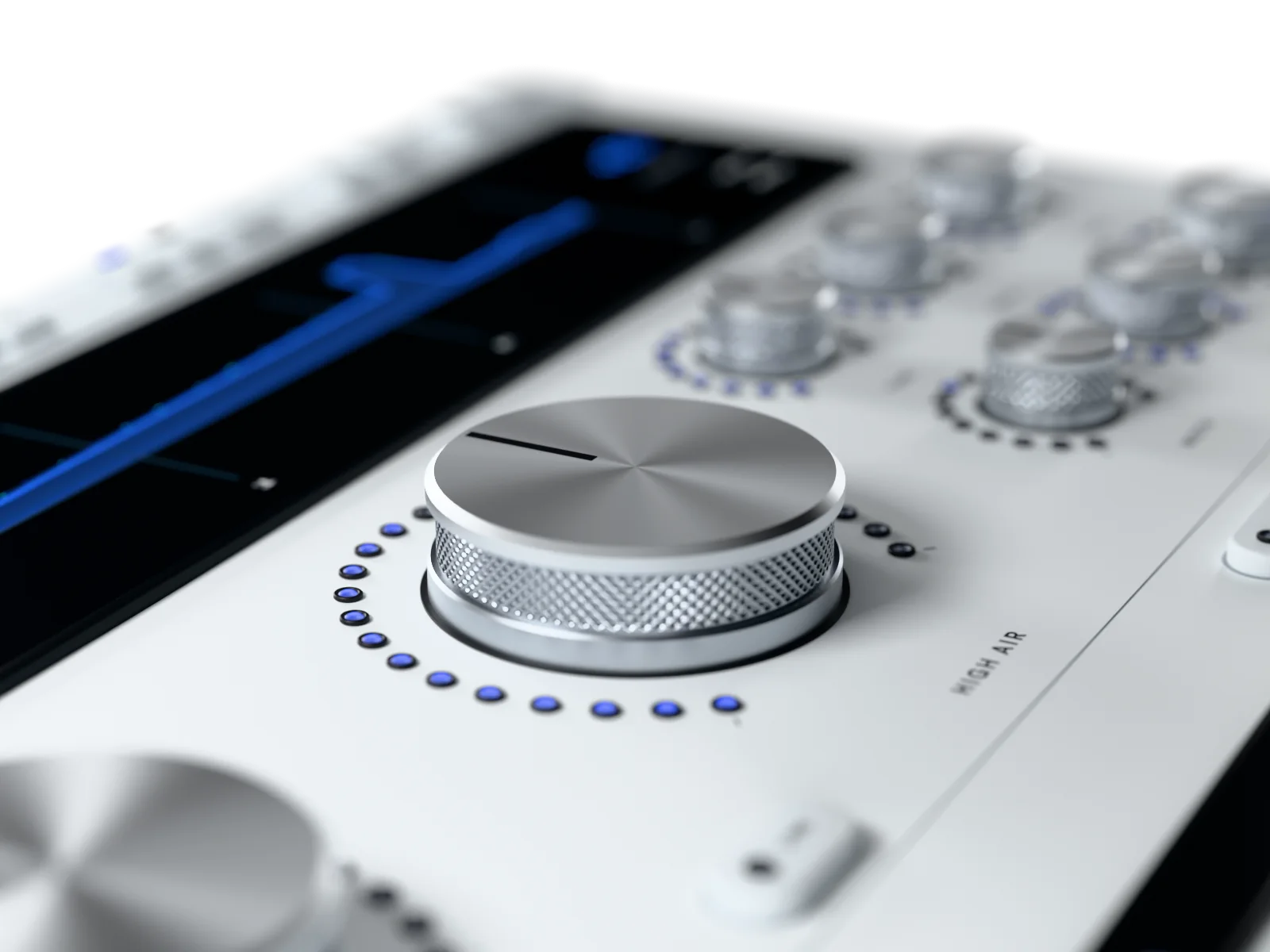
HIGH AIR and MID AIR
Air and presence in two knobs
HIGH AIR is how much air. MID AIR is a presence lift of up to 6 dB between 1.5 and 6 kHz. LINK moves both together, so the balance you found stays put.

AUTO GAIN
Judge tone, not volume
AUTO GAIN measures loudness to the broadcast standard and matches the output to the input, so brighter can't win just by being louder.
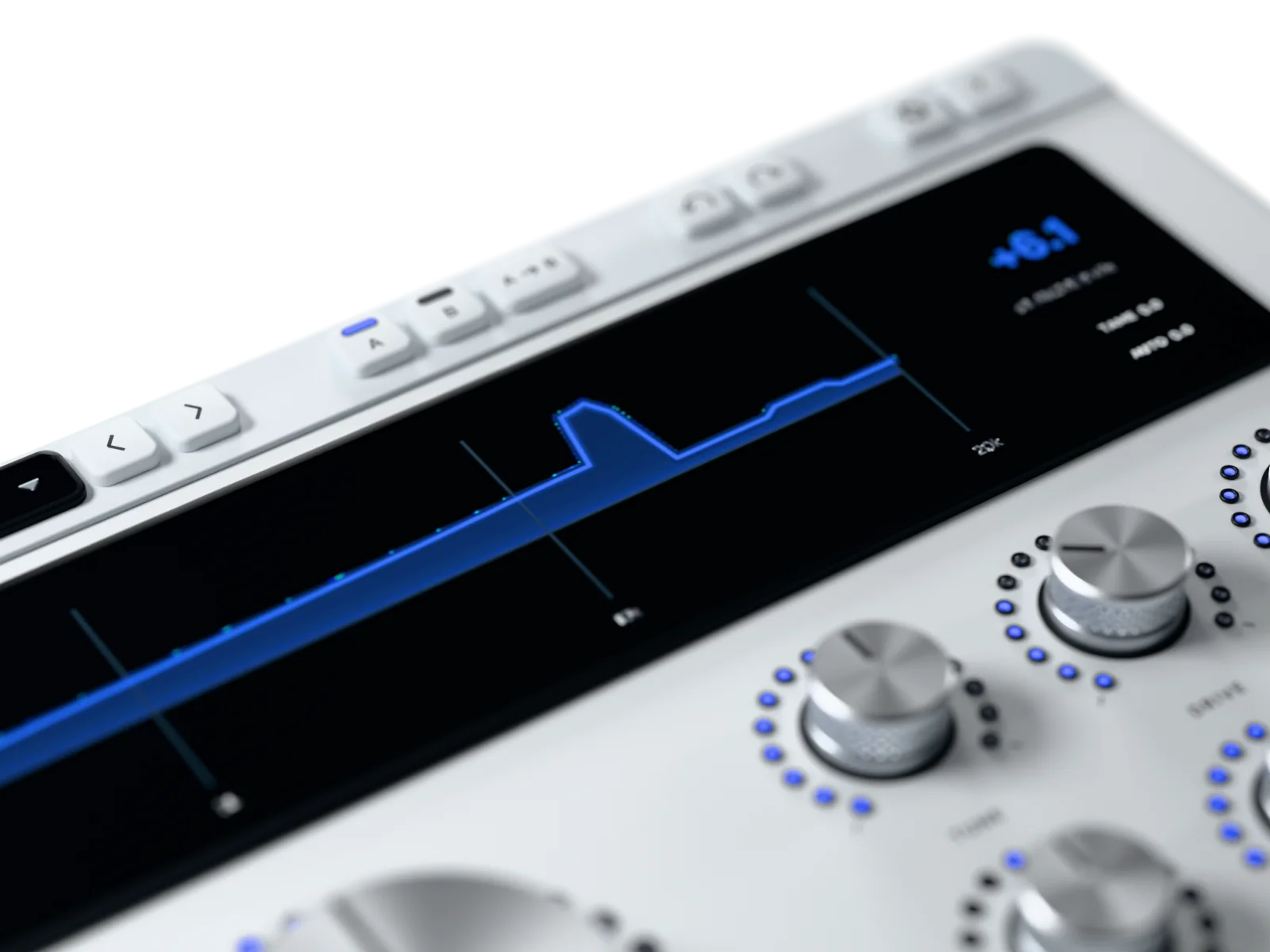
The live display
See what changed, not a guess
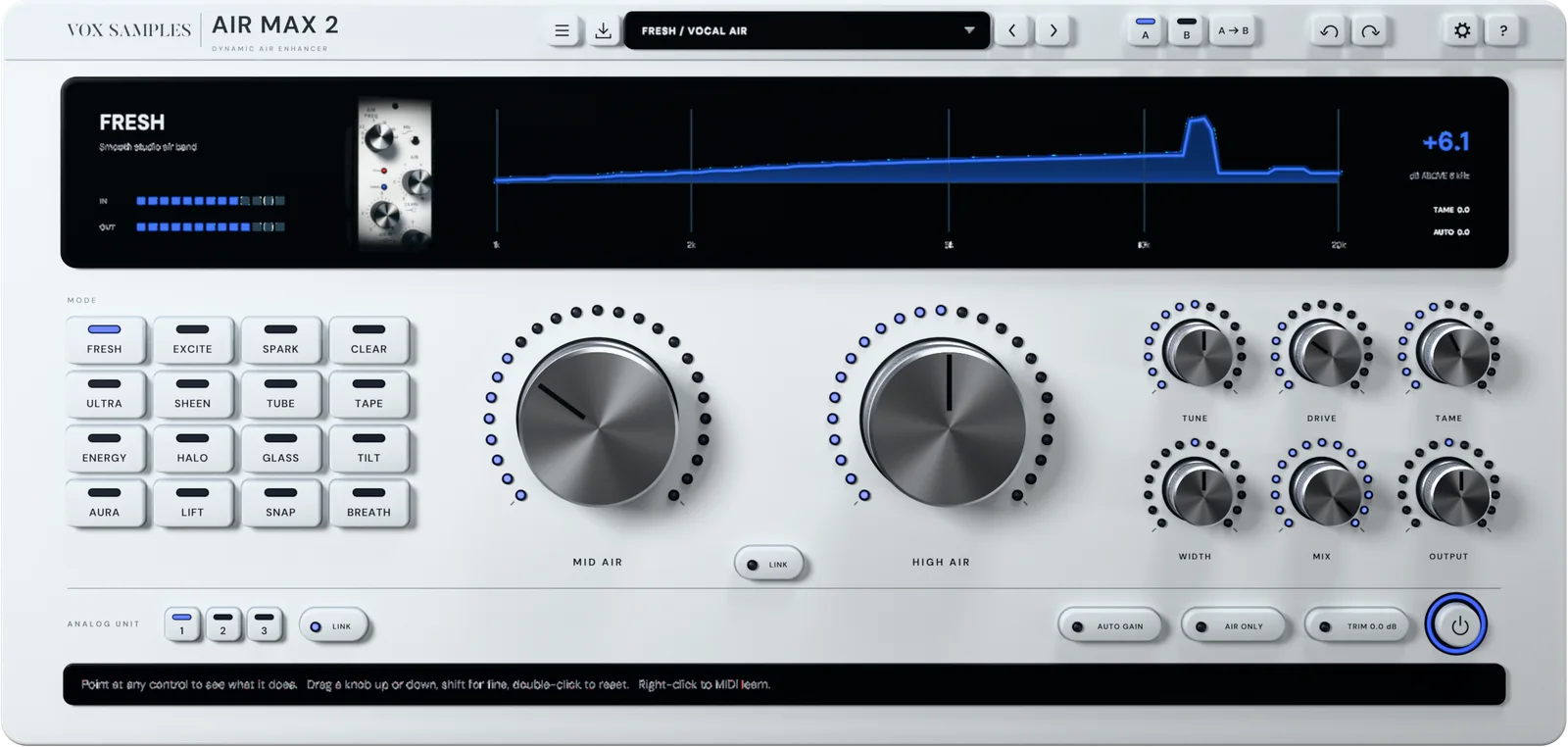
A measured 1 to 20 kHz curve of output against input, a readout of how far the top end above 6 kHz moved in dB, IN and OUT meters, and live TAME and AUTO GAIN readings.
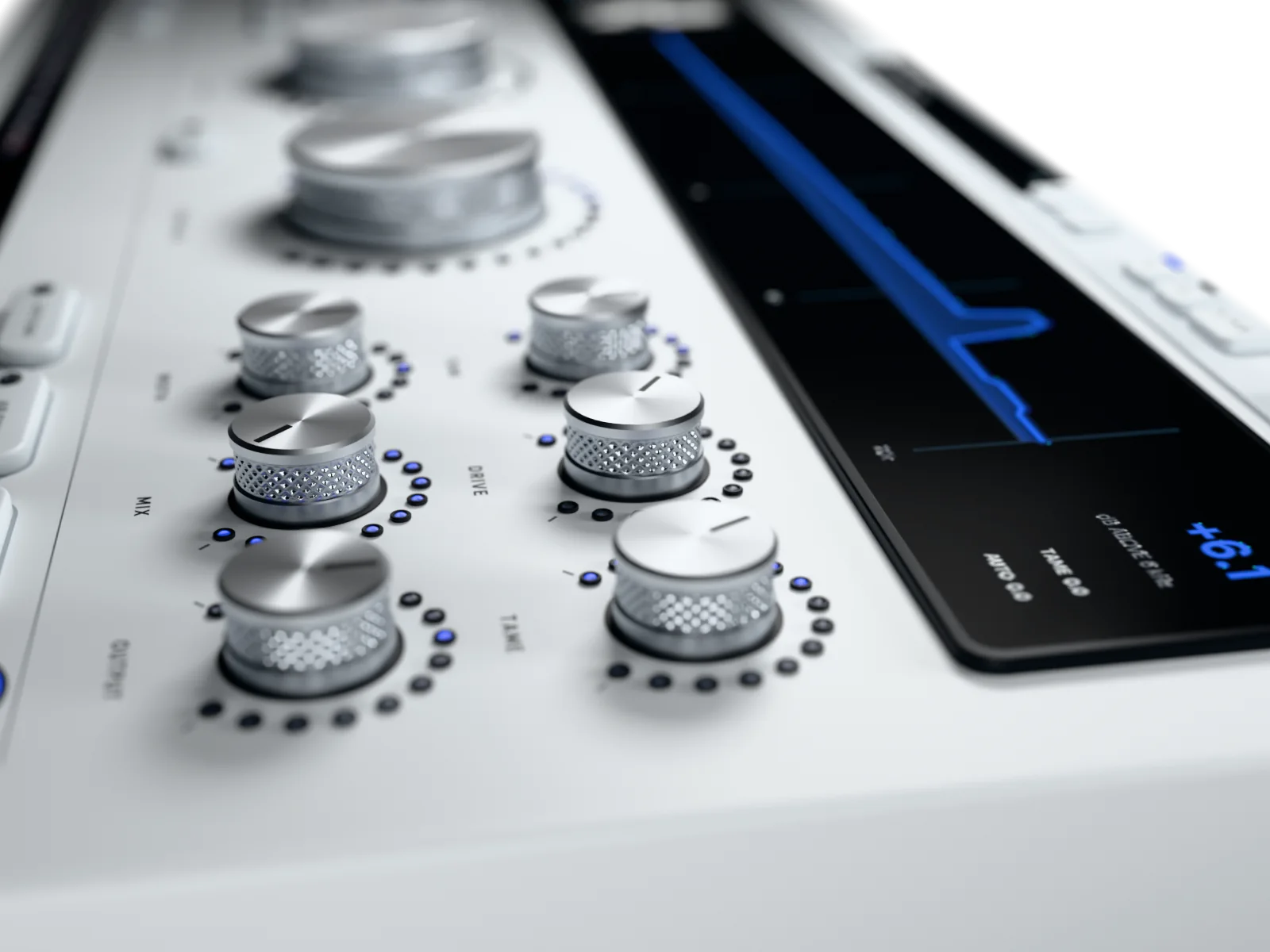
TUNE and DRIVE
Place the air, then shape its character
TUNE moves where the mode works: the presence frequency, the exciter's 8 to 15 kHz, or a 2 to 8 kHz split. DRIVE is each mode's character control, and the display names what it does in the mode you're in.
250 presets
Start from a finished sound
Grouped by mode, each list working through the same jobs: vocals, drums, guitars, keys, strings, mix bus, mastering and a fix for dull recordings. Step through them with the arrows.
Three analog units
Pick the character that suits the track
Choose the character, not just the settings. Three analog units: the same circuit, voiced like three boxes off the same bench. Switch between 1, 2 and 3 and keep the one that sits best in the mix. The unit's own LINK keeps left and right identical, or lets the two channels differ slightly, like a real stereo unit. The unit you pick is saved with your session.
AIR ONLY
Hear exactly what you're adding
AIR ONLY plays just the change Air Max 2 is making, with the dry signal taken away. You hear the moment a setting starts doing too much.
TAME
Push the top without the spit
A smooth de-esser built in, working on the processed sound. Turn it up until the esses sit back, and keep the air.
WIDTH and MIX
Air as wide, and as subtle, as you want
WIDTH sets the stereo width of the processed sound from 0 to 200%. MIX blends it back against the dry, so you can back off without touching the air.
Zero latency, click-free switching
Track, mix and switch without a glitch
Zero latency in every mode at every sample rate. Changing mode crossfades in 20 ms, so a switch never clicks.
The info bar
Every control explained as you point
Point at any knob, key or mode and the info bar gives its name, its value and one line on what it does right now.
Inside the plugin
The real display, straight from Air Max 2. Flip through all sixteen modes.




Fresh
A presence lift under a smooth studio air band. The everyday one.
Excite
A harmonic exciter you tune from 8 to 15 kHz and push with DRIVE.
Spark
Overtones added above a split you set from 2 to 8 kHz, up to +12 dB.
Clear
A mastering air band, with LIMIT holding the highs’ spikes.
Ultra
Hiss, glitter and air bands, through a silk stage that adds warmth to the highs.
Sheen
Sheen from taps near 11, 15 and 22 kHz.
Tube
Tube top end above the split, up to +12 dB.
Tape
Tape-machine top end above the split, up to +12 dB.
Energy
Four fixed treble bands, from rat and fizz up to hiss and glitter, with extra edge on attacks.
Halo
Opens a dull source a long way and holds back where the treble is already bright. CEILING sets how firmly.
Glass
A clean lift centred around 10 kHz, with no saturation and no colour.
Tilt
Treble up to +12 dB, with BASS TILT mirroring it as a cut in the bass.
Aura
The top end of a small, bright room, tied close to the sound. Seventeen spaces to choose from.
Lift
Lifts quiet high detail more than loud, up to +12 dB.
Snap
A flash of air on every hit, up to +18 dB, the sustain left as it was.
Breath
Brings up the breath and texture in a voice or a bowed string.
Every feature
Everything in Air Max 2, down to the smallest switch.
52 features
Sound
-
16 air modes
Sixteen flavours of air, each tuned for one job
-
HIGH AIR
One knob opens the whole top end
-
MID AIR presence
Up to 6 dB of presence, 1.5 to 6 kHz
-
LINK
Moves both air knobs together and keeps their balance
-
TUNE
Puts the air exactly where the track needs it
-
DRIVE
One knob sets each mode's character
-
TAME de-esser
Push the top without spitting esses
-
WIDTH
Sets how wide the added air sits, 0 to 200%
-
MIX
Backs any setting off without moving the air
-
TRIM
Sets the level going in, before everything
-
OUTPUT
Hands the next plugin exactly the right level
Analog units
-
ANALOG UNIT 1, 2, 3
Three boxes off the same bench: pick the one that suits the track
-
ANALOG UNIT LINK
Left and right identical, or slightly apart, like a real stereo unit
Workflow and control
-
AUTO GAIN
Hear tone, not volume: loudness matched automatically
-
AIR ONLY
Solo the added air and catch overdoing it
-
Live air curve
See where the air lands, 1 to 20 kHz
-
Top-end readout
One number: how far the top end moved
-
IN and OUT meters
Peak levels in and out, at a glance
-
TAME and AUTO readouts
Watch de-essing and level matching as they happen
-
Info bar
Every control explained in one line as you point
-
Mode pictures
Know which mode is on at a glance
-
Knobs hold across modes
Compare two modes on the same settings, one click
-
Click-free mode changes
Switch modes mid-playback with no clicks
-
Bypass with crossfade
Clean, click-free before and after
-
Double-click, Shift, wheel
Reset, fine-tune or step any knob instantly
-
A/B compare
Two complete settings, switch in one click
-
A>B
Copy A to B and try changes safely
-
A/B saved with your session
Both settings are there when you reopen the project
-
Undo and redo
Step back through 128 moves, or press Ctrl+Z
-
Host automation
Automate every control from your DAW
-
MIDI Learn
Take complete control of your workflow
-
Forget and clear mappings
Unmap one control, or start fresh
-
Help key
The full manual, one click away
Presets
-
250 factory presets
Starting points for vocals, drums, guitars, keys and masters
-
Grouped by mode
Find the right preset by mode, then by job
-
Previous and next arrows
Audition presets one click at a time
-
Save your own
Keep your settings as user presets
-
Open user folder
Find, back up and share your presets
-
Presets in your DAW's list
Recall presets from your host's own program list
-
Presets never touch bypass
Audition presets bypassed or live
Performance
-
Zero latency
Track and mix through it with no delay
-
Nothing added at zero
Untouched sound until you turn it up
-
Any sample rate
Runs at whatever rate your session runs
-
Mono or stereo
Works on single tracks and full mixes
-
Resizable window
Drag the edges or pick 75 to 150%
Licence and compatibility
-
VST3 and AAX, Windows 10 and 11
Loads in any 64-bit Windows DAW with VST3 or AAX
-
VST3, AU and AAX, macOS 11 or later
Loads in any Mac DAW with VST3, AU or AAX
-
5 computers per copy
Studio, laptop and more on one licence
-
Email and code unlock
No dongle, no password, no extra app
-
Works offline
No internet needed between check-ins
-
Deactivate in the plugin
Move it to a new computer yourself
-
Lifetime updates
Every future update included
How Air Max 2 compares
One plugin in place of a shelf of air tools.
| Air Max 2 | Typical air plugins | |
|---|---|---|
| Kinds of air | 16 modes, from a clean air band to tube, tape and transient air | One or two flavours |
| Fair listening | AUTO GAIN matches loudness automatically | Louder often passes for better |
| Hear only the added air | AIR ONLY, one click | Rarely offered |
| Esses under control | TAME de-esser built in | A second plugin needed |
| Width of the air | WIDTH, 0 to 200% | Usually fixed |
| Seeing the change | Measured 1–20 kHz curve and a dB readout | A drawn curve, or nothing |
| Switching sounds | Click-free, 20 ms crossfade | Can click or jump |
| Latency | Zero, in every mode | Varies with mode or quality setting |
| Help in the plugin | Info bar explains every control | Check the manual |
| Try-and-compare | A/B, A>B, undo and redo | Often missing |
| Hardware control | MIDI Learn on every control | Often missing |
| Presets | 250, grouped by mode and job | A short list |
| Licence | 5 computers per copy, no dongle, works offline | Often fewer activations, or a dongle |
| Updates | Lifetime updates included | Often paid upgrades |
"Typical" describes what we commonly see in this category; it does not describe any particular product. Air Max 2 facts are from the plugin and its manual, October 2026.
What you get
Vox Samples
90-day money back · Thank you
Specs and system requirements
- Formats
- VST3 and AAX on Windows; VST3, AU and AAX on macOS
- Operating system
- Windows 10 and 11, 64-bit; macOS 11 or later
- Host
- Any 64-bit DAW that loads VST3, AU or AAX plug-ins
- Channels
- Stereo in and out, or mono in and out
- Sample rates
- Whatever your session runs at
- Latency
- 0 samples, in every mode, at every rate
- Modes
- 16
- Controls
- 14, every one automatable and MIDI-learnable
- Factory presets
- 250, in 16 mode categories plus Init
- Window
- 1260 × 600 by default; resizable from 840 × 400 to 2100 × 1000
- Loudness matching
- Broadcast-standard short-term loudness
- Undo
- 128 steps
- MIDI
- MIDI Learn from any controller routed to the track
- Licence
- 5 computers per copy you buy. Unlock with your email and a 6-digit code. Checks in now and then and works offline in between (up to 14 days)
- Internet
- Needed once to unlock, then for the occasional check-in
90Day money-back guarantee
Our guarantee
-
90-day money-back guarantee
Not for you? Email contact@voxsamples.com within 90 days for a full refund.
-
5 computers per copy
Use it on up to five of your own computers per copy you buy, and move it yourself from the plugin's Licence menu.
-
Lifetime updates
Every future update and upgrade of Air Max 2, included.
-
Platinum priority support
A real person at contact@voxsamples.com, first in line.
Questions
Will it make my mix harsh?
No. TAME, a smooth de-esser, is built in, so you can push the top without the esses spitting. CLEAR and HALO hold back spiky or already-bright treble on their own. AUTO GAIN keeps the level matched, so what you hear is the change of tone, not just louder.
Which mode should I start with?
FRESH for vocals and whole mixes, GLASS for a clean master, EXCITE or SPARK for bite on snares and guitars, SNAP for air on the attacks, TUBE or TAPE for a saturated top end. Every mode has its own presets.
Isn't this just a high-shelf EQ?
No. Only a few modes are EQ-like. Others add harmonics, tube or tape top end, a bright small room, lift quiet detail, or put air only on the attacks. FRESH follows the music rather than a fixed curve.
Will it slow my session down or add delay?
It adds no latency, in any mode, at any sample rate, so you can track through it. With the air knobs at zero it passes the sound through untouched.
Does it work in my DAW?
Any 64-bit DAW that loads VST3, AU or AAX plug-ins, on Windows 10 and 11 or macOS 11 and later. The installer puts each format where your DAW looks for it.
How many computers can I use it on?
Up to five of your own for each copy you buy. To move it, open it on the old computer and choose Licence > Deactivate this computer.
Does it need the internet?
Once, to unlock it with the code we email you. After that it checks in now and then and works offline in between.
What if it's not for me?
Email contact@voxsamples.com within 90 days for a full refund.
Founder's Story
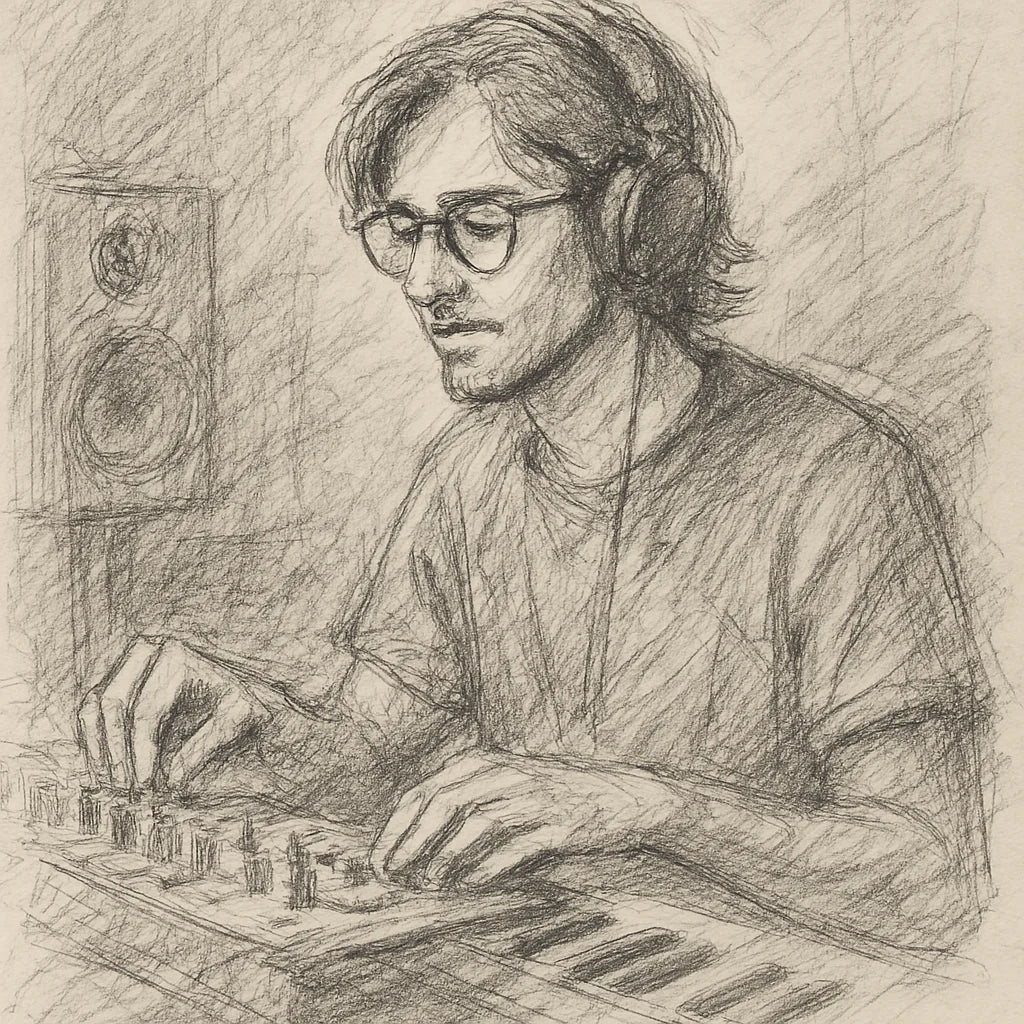
"When COVID hit, I finally had time to dive into music production—only to discover I was missing the right tools. The plugins I tried were clunky, overloaded with unnecessary features, and killed my vibe with endless tweaking. I knew there had to be a better way.
So, with my engineering background, I started making free and simple audio plugins for my producer friends. They loved them! That’s when I set out on a mission to create plugins that save you time, streamline your workflow, and keep your creativity flowing."
- Ryan Svensson (Founder & CEO)
Give every mixthe air it's been missing.
The only air suite you'll need: sixteen kinds of shine, level-matched, with zero latency.

$57.38 AUDPrecio habitual $473.46 AUD87% off
- 90-day money back
- Five computers
- Lifetime updates
Pairs with


Air Max 2 Air Enhancer Plugin
$57.38 AUDPrecio habitual $473.46 AUD87% off