


SynkdPhase alignment plugin · line up two mics by ear and by meter
The only phase alignment plugin you'll ever need for two mics that hit as one.
Line up a kick's two mics, a snare top and bottom, close mics and overheads or a bass DI and its amp, so they add up instead of cancelling: full, solid lows that hold up in mono. Polarity, delay to a fraction of a sample and phase rotation, with a correlation meter and a picture of both mics' hits.
- Use it on 5 computers per copy
- Lifetime updates
- 90-day money-back guarantee
- Download link in minutes
- VST3, AU and AAX, Windows and macOS
Formats and DAWs
Windows 10 and 11 (64-bit): VST3 and AAX
macOS 11 or later: VST3, AU and AAX
Works in any 64-bit DAW that loads VST3, AU or AAX plug-ins.
Licence
Use it on up to five of your own computers per copy you buy. Yours for good, no subscription. Unlock it with your email and a six-digit code, no dongle and no password. It checks in now and then and works offline in between.
Delivery
Download links by email within about five minutes, and always in your account under Downloads.
Hear the difference
Two mics summed, out of step and lined up.
A drum kit's close mics and overheads, lined up
Real close mics with their overheads · Drums / Overheads Flipped and Late
A second break, close mics and overheads in step
Another close mic and overhead pair · Drums / Overheads Flipped and Late
A third break, lined up
A third close mic and overhead pair · Drums / Overheads Flipped and Late
A bass DI and its amp mic, lined up
A DI bass with a copy 2 ms late standing in for the amp mic · Bass / DI to Amp
Two guitar mics, the comb gone
An electric guitar with a copy 13 samples late as a second mic · Guitar / Close and Sub
Every clip is level-matched, so the difference you hear is tone, not volume.
Synkd in action
Why Synkd
The engineer's order
Polarity first, then time, then phase rotation: the way pairs are lined up by hand, in one insert.
See it line up
The other mic on the sidechain feeds a correlation meter and a picture of both mics' hits that fall on top of each other when you are there.
Hear it line up
SUM plays the pair as your mix hears it; NULL plays the difference, quietest when they are lined up.

Delay. Rotate.
Two big knobs do the work: hold the earlier mic back in time, then turn the phase for what time cannot fix.
- VST3 · AU · AAX
- Windows and macOS
- 0 ms latency
- 13 presets
The phase alignment plugin
- Kick, snare, overheads, bass, guitar. Any two mics, or a DI and its amp.
- See it. A correlation meter and both mics' hits drawn together.
- Hear it. SUM and NULL keys.
- Manual. You turn the knobs; nothing is guessed for you.
- POLARITY, DELAY, FINE, ROTATE and CENTER.
- The correlation meter, the hit picture, SUM and NULL.
- TRIM, the IN and OUT meters, and ENGAGE.
- 13 factory presets and your own preset files; A/B, undo and redo, MIDI Learn on every control; a window from 75 to 200 %; the full manual.

THE METER
Out of step, you can see it.
Upside-down hits and a negative correlation: press POLARITY, turn DELAY, and watch them fall into step.
What Synkd does
Every control has one job: two mics that hit as one.
POLARITY
Upside down, fixed
A correlation well below zero means the two mics pull against each other; one press turns this one round, gliding so it never clicks.
DELAY
Back in time to meet the other mic
Up to 20 ms, with half the knob's travel in the first 2 ms where most pairs sit. Synkd goes on the earlier mic; the panel shows the shift in samples and as a distance.
FINE
The last fraction of a sample
A sub-sample step on top of DELAY, for mics that fall between samples, with the level kept flat.
ROTATE and CENTER
For what time cannot fix
Turns the phase at CENTER, 0 to 180 degrees, without moving the track: two different mics, or a DI against an amp.
The correlation meter
Higher is better
This track against the other mic over the last second, read to two places, so you can stop right at the top.
The hit picture
Watch the waves meet
Each hit of both mics drawn together: this track's wave moves as DELAY turns and lies upside down until POLARITY flips it.
SUM and NULL
Hear the pair
SUM plays both mics in mono, fullest when lined up; NULL plays the difference, quietest when lined up.
Exactly the input at rest
Nothing changes until you do
Every control at rest passes the track bit for bit, and every stage keeps the level flat.
13 sourced presets
Start from settings that work
Drums, bass and guitar starting points, one measured on real close mics against their overheads.
A face that moves
The line on the water
Two ripples spread across black water, and a bright line comes in where they meet as the mics line up.
Inside the plugin
The Synkd window: DELAY, FINE, ROTATE and CENTER, the meter panel, POLARITY, SUM and NULL.
Every feature
Everything in Synkd, down to the smallest switch.
35 features
The alignment
-
POLARITY
Flip the mic that is upside down
-
DELAY
Hold the earlier mic back, up to 20 ms
-
FINE
A fraction of a sample on top
-
ROTATE
Turn the phase, 0 to 180 degrees
-
CENTER
Where the rotation is exact, 40 Hz to 2 kHz
Meter and listening
-
Correlation meter
Two decimal places, against the other mic
-
Hit picture
Both mics' hits drawn together
-
SHIFT and DISTANCE
The delay in samples and as a distance
-
SUM
Both mics together, in mono
-
NULL
The difference, quietest when lined up
Workflow and control
-
A/B compare and A>B
Two complete settings, switch in one click
-
Undo and redo
Step back and forward, or press Ctrl+Z
-
MIDI Learn
Take complete control of your workflow: right-click any control, move a knob
-
Host automation
Automate every control from your DAW
-
ENGAGE
Click-free bypass, to hear the before and after
-
IN and OUT meters
See the level going in and coming out at a glance
-
Tooltips
Every control explains itself as you point at it
-
Resizable window
75 to 200 %, and the size you pick is remembered
Presets
-
13 factory presets
Starting points built from real settings producers use
-
Previous and next arrows
Audition presets one click at a time
-
Save your own
Keep your settings as .phasealignmentpreset preset files
-
Open presets folder
Back up or share your presets in one click
-
Reset to default
Back to a clean start in one step
Performance
-
Zero latency
It only delays, never advances
-
Exactly the input at rest
Bit for bit, until you turn something
-
Light on CPU
About 0.6 % of one core
-
Mono or stereo
A mono or stereo track, and a mono or stereo sidechain
Licence and compatibility
-
VST3 and AAX, Windows 7 SP1 or later
Loads in any 64-bit Windows DAW with VST3 or AAX
-
VST3, AU and AAX, macOS 10.13 or later
Loads in any Mac DAW with VST3, AU or AAX, Intel or ARM
-
5 computers per copy
Studio, laptop and more on one licence
-
Email and code unlock
No dongle, no password, no extra app
-
Works offline
No internet needed between check-ins
-
Check for updates
From the plugin's menu; nothing installs without asking
-
Lifetime updates
Every future update included
-
Platinum priority support
Questions answered by the people who build it
How Synkd compares
Polarity, time and phase, with the meter and the keys to hear it.
| Synkd | Typical phase alignment plugins | |
|---|---|---|
| Steps | Polarity, time and phase rotation in one | Often one of the three |
| Meter | Correlation to two places, against the other mic | Often none, or one place |
| Hit picture | Both mics' hits drawn together | Often missing |
| Listening | SUM and NULL keys | Often missing |
| At rest | Exactly the input, bit for bit | Not always |
| Latency | Zero | Sometimes a look-ahead |
| Try-and-compare | A/B, A>B, undo and redo | Often missing |
| Hardware control | MIDI Learn on every control | Often host automation only |
| Licence | 5 computers per copy, no dongle, works offline | Often fewer activations, or a dongle |
| Updates | Lifetime updates included | Often paid upgrades |
"Typical" describes what we commonly see in this category; it does not describe any particular product. Synkd facts are from the plugin and its manual, October 2026.
What you get
Vox Samples
90-day money back · Thank you
Specs and system requirements
- Formats
- VST3 and AAX on Windows; VST3, AU and AAX on macOS
- Operating system
- Windows 7 SP1 or later, 64-bit; macOS 10.13 or later, universal (Intel and ARM)
- Host
- Any 64-bit DAW that loads VST3, AU or AAX plug-ins
- Channels
- Mono or stereo track; the other mic on the sidechain, mono or stereo
- Sample rates
- Whatever your session runs at
- Latency
- 0
- Delay
- 0 to 20 ms, plus FINE: 0 to 1 sample
- Rotate
- 0 to 180 degrees, exact at CENTER (40 Hz to 2 kHz, default 120 Hz)
- Trim
- -24 to +12 dB
- Meter
- Correlation -1.00 to +1.00 over the last second; the shift in samples and as a distance
- Listening
- SUM (both mics in mono) and NULL (the difference)
- Presets
- 13 factory presets; your own as .phasealignmentpreset files
- Tail
- 30 ms
- CPU
- About 0.6 % of one core at 44.1 or 48 kHz
- Window
- 960 x 600 at 100 %, resizable from 75 to 200 %
- MIDI
- MIDI Learn from any controller routed to the track
- Licence
- 5 computers per copy you buy. Unlock with your email and a code we email you. Checks in now and then and works offline in between.
- Internet
- Needed once to unlock, then for the occasional check-in
90Day money-back guarantee
Our guarantee
-
90-day money-back guarantee
Not for you? Email contact@voxsamples.com within 90 days for a full refund.
-
5 computers per copy
Use it on up to five of your own computers per copy you buy, and move it yourself from the plugin's Licence menu.
-
Lifetime updates
Every future update and upgrade of Synkd, included.
-
Platinum priority support
A real person at contact@voxsamples.com, first in line.
Questions
How do I phase align two mics?
Put Synkd on the mic that arrives first and route the other mic to its sidechain. Press POLARITY if the correlation is well below zero, turn DELAY slowly for the highest reading, then finish by ear with NULL (quietest) or SUM (fullest).
Does it align them automatically?
No. Synkd is manual: the meter, the hit picture and NULL show you when the pair is lined up, and you turn the knobs. You stay in charge of the sound.
Which track does it go on?
The one that arrives first: the close mic or the DI. Synkd only delays, so it holds the earlier mic back to meet the later one.
How do I send the other mic to the sidechain?
Use your host's sidechain or key-input choice on the plug-in, or send the other track to this plug-in's extra inputs. The manual explains it step by step.
Does it add latency?
No. It only delays the track you put it on, and reports zero latency.
Does it work in my DAW?
Any 64-bit DAW that loads VST3, AU or AAX plug-ins, on Windows 7 SP1 or later or macOS 10.13 or later. There is no standalone app.
How many computers can I use it on?
Up to five of your own for each copy you buy. To move it, deactivate it in the plugin on the old computer and unlock it on the new one.
Does it need the internet?
Once, to unlock it with the code we email you. After that it checks in now and then and works offline in between.
Is there a manual?
Yes. The full manual explains every control, every preset and the menus, with tips. It opens from the help key (?) in the plugin's top bar, and lives at https://voxsamples.com/synkd-phase-alignment-manual.
What if it's not for me?
Request a refund from your account within 90 days.
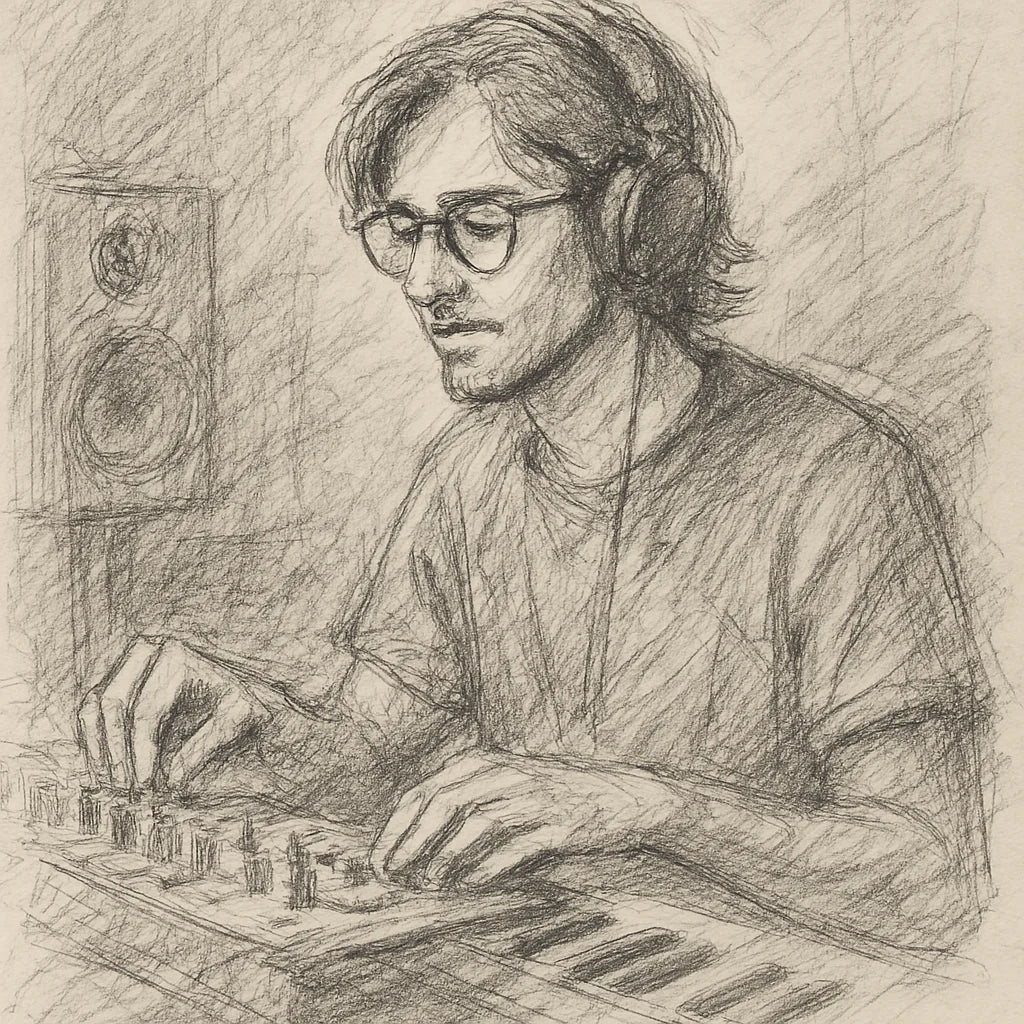
Founder's Story
"When COVID hit, I finally had time to dive into music production—only to discover I was missing the right tools. The plugins I tried were clunky, overloaded with unnecessary features, and killed my vibe with endless tweaking. I knew there had to be a better way.
So, with my engineering background, I started making free and simple audio plugins for my producer friends. They loved them! That’s when I set out on a mission to create plugins that save you time, streamline your workflow, and keep your creativity flowing."
- Ryan Svensson (Founder & CEO)
Every pair, in step. One insert.
Polarity, delay to a fraction of a sample and phase rotation, a correlation meter, the hits drawn together, SUM and NULL, with zero latency.

$42.65 AUDRegular price $142.21 AUD70% off
- 90-day money back
- Five computers
- Lifetime updates
Pairs with



Synkd Phase Alignment
$42.65 AUDRegular price $142.21 AUD70% off